
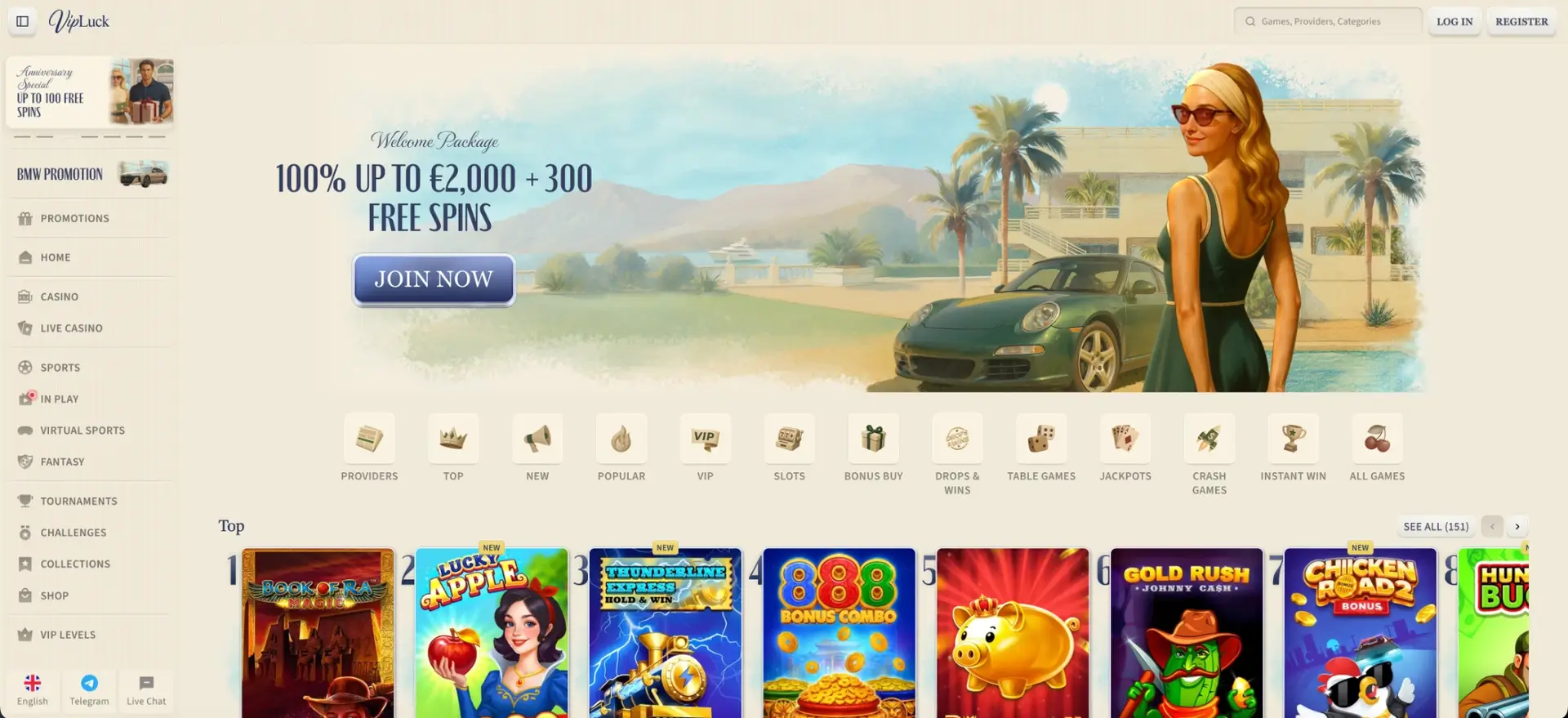
There is no native Vipluck app to download from the App Store or Google Play - and you do not need one. Vipluck is an instant-play casino that runs entirely in a mobile browser, so on iOS or Android you open the site, log in, and get the same 10,600+ games, the same CAD cashier, and the same bonuses as on desktop, with an optional home-screen shortcut that behaves like an app icon. This guide covers how to access Vipluck on mobile, how to add the shortcut, what works on a phone, and how the mobile version performs.
Skipping a download has practical upsides: nothing takes up storage, there are no manual updates to install, and the site is always on its latest version the moment you open it. The sections below walk through setup and everyday use for Canadian players.
| Feature | Mobile browser details |
|---|---|
| Download required | No - runs entirely in the browser |
| iOS access | Safari, Chrome or Firefox - full support |
| Android access | Chrome, Firefox or any modern browser |
| Home-screen shortcut | Available on iOS and Android |
| Game library | 10,600+ titles - identical to desktop |
| CAD deposits and withdrawals | Full cashier available on mobile |
| Bonus access | Welcome package, reloads, coins and collections |
| Live casino | Fully streamed on mobile browsers |
| Security | SSL encryption - same as desktop |
| Updates | Automatic - no manual updates |
| Support | 24/7 live chat and email |
Is there a Vipluck casino app for Android or iOS?
No - Vipluck does not publish a native app for either platform, and this is a deliberate design choice rather than a gap. The casino is built as an instant-play site, so the mobile browser version is the intended way to play on a phone or tablet, and it carries the complete lobby and cashier. If you see a listing claiming to be an official Vipluck app, treat it with caution and stick to the site.
How to access Vipluck on mobile
Getting started on a phone takes nothing more than a browser and your login details. The steps below get you into the lobby.
- Open your mobile browser - Safari, Chrome or Firefox.
- Go to the Vipluck site.
- Select Log In and enter your email and password, or register if you are new.
- Set or confirm CAD as your account currency.
- Browse the lobby or open the cashier to deposit and start playing.
How to add Vipluck to your home screen
Adding a shortcut gives you a tappable icon that opens the casino directly, without typing the address each time. The instructions differ slightly by platform.
iOS (Safari)
- Open the Vipluck site in Safari.
- Tap the Share icon at the bottom of the screen (the square with an upward arrow).
- Scroll and tap Add to Home Screen.
- Confirm the name and tap Add.
- The icon appears on your home screen and opens the casino directly.
Android (Chrome)
- Open the Vipluck site in Chrome.
- Tap the three-dot menu in the top-right corner.
- Select Add to Home screen.
- Confirm the name and tap Add.
- The shortcut appears in your app drawer or home screen.
Features available on mobile
The mobile browser version is not a trimmed-down copy - it mirrors desktop. The list below covers what you can do from a phone.
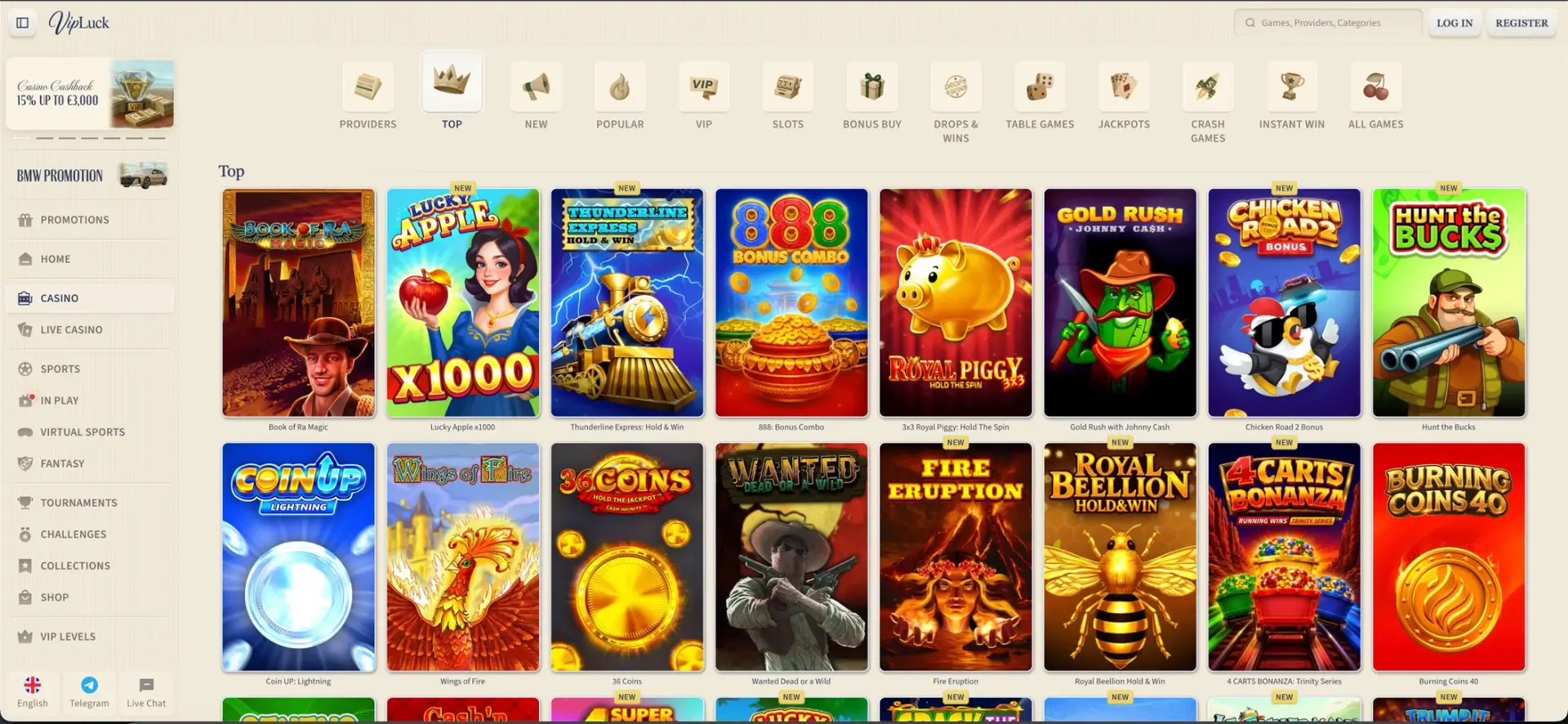
- Full game library: all 10,600+ slots, jackpots, table games, crash and instant-win titles.
- Live casino: streamed roulette, blackjack, baccarat and game shows such as Crazy Time and Funky Time.
- CAD cashier: deposits and withdrawals with cards, e-wallets, vouchers and crypto.
- Bonuses: the welcome package, weekly and weekend reloads , cashback, coins and collections.
- Account tools: verification uploads, VIP status and responsible gambling controls.
Performance on mobile
The mobile site is built to load quickly and hold streams steady on a typical Canadian connection. The observations below reflect checks on a mid-range phone.
- Lobby loading: the homepage rendered within about two seconds, with game tiles filling in shortly after.
- Slot performance: titles from studios such as Hacksaw Gaming and Big Time Gaming opened in under three seconds with steady frame rates.
- Live casino stability: Evolution tables held their stream through a 10-minute session without forced reloads.
- Cashier speed: the CAD deposit screen loaded promptly and reflected balance changes quickly.
Mobile payments and withdrawals in CAD
The mobile cashier carries the same methods and limits as desktop, so you can fund and cash out from a phone. The table shows a selection of methods in Canadian dollars.
| Method | Type | Min | Processing time |
|---|---|---|---|
| Visa / Mastercard | Deposit only | CAD 15 | Instant deposit |
| MiFinity | Deposit & withdrawal | CAD 15 / CAD 30 | 0-24 hours payout |
| Jeton | Deposit & withdrawal | CAD 20 / CAD 30 | 0-24 hours payout |
| eZeeWallet | Deposit & withdrawal | CAD 15 / CAD 30 | 0-24 hours payout |
| Cryptocurrencies | Deposit & withdrawal | CAD 20-80 | 0-24 hours payout |
| Bank transfer | Withdrawal | CAD 30 | 3-5 days |
Security on the mobile version
The mobile site uses the same SSL encryption as desktop, and your login, two-factor authentication and KYC verification all carry across, since it is one account. Adding the home-screen shortcut does not store your password on the device, so you still sign in each session unless your browser remembers it. As with any account, avoid logging in over public Wi-Fi and log out on shared phones.
Usage tips for Canadian players
A few small adjustments make mobile play smoother on a Canadian data or broadband connection. The points below are worth trying.
- Play live casino on Wi-Fi where possible, as streams use more data than slots.
- Set your account to CAD so balances and limits display in Canadian dollars.
- Use an authenticator app for two-factor codes rather than SMS for faster sign-in.
- Complete KYC before your first withdrawal so mobile payouts are not held up.
Frequently asked questions
Is there a Vipluck casino app to download?
No. Vipluck runs in a mobile browser with the full lobby and cashier, so there is nothing to install from the App Store or Google Play.
How do I get Vipluck on my home screen?
On iOS, use Safari's Share menu and "Add to Home Screen". On Android, use Chrome's menu and "Add to Home screen". Both create a tappable icon.
Do I get all the games on mobile?
Yes. The mobile browser version carries the same 10,600+ games as desktop, including live dealer tables.
Can I deposit and withdraw in CAD on mobile?
Yes. The full CAD cashier is available on mobile, with cards, e-wallets, vouchers and crypto.
Is the mobile version secure?
It uses the same SSL encryption and account security as desktop, including two-factor authentication and KYC.
Will the browser version work on older phones?
It runs on any modern browser. Older devices may load heavier live tables more slowly, but slots and the cashier remain accessible.